
The steps below will guide you on how to update your profile. For example, a customer signing up for msport and mistakenly select female as the gender.
1. Login to your msport account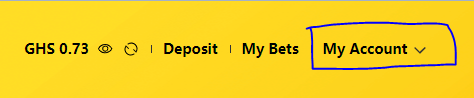
2. click on your number/ name on your profile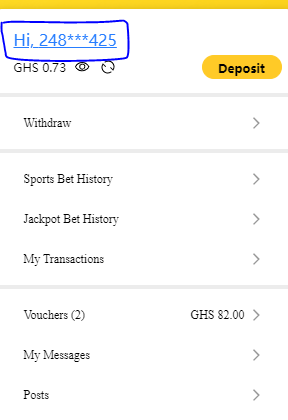
3. Click on Basic Information
4. Fill the remaining text fields with the accurate information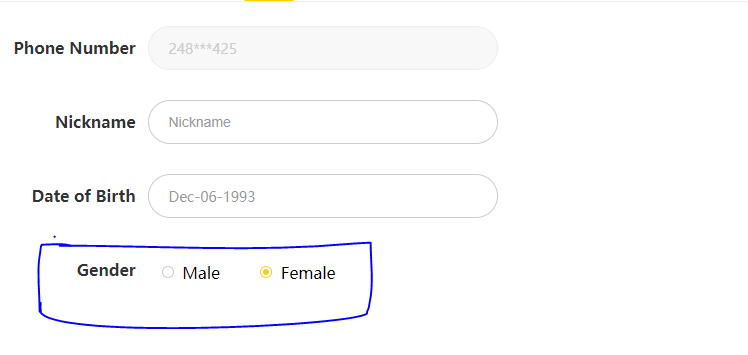
5. Save
NB: Kindly note that the text field editable for phone numbers, nick names and birth of dates is false
Comments
0 comments
Please sign in to leave a comment.