
At MSport, protecting our customers' accounts from fraud and theft is a priority. In line with this commitment, we are happy to announce the New MSport App Pattern Login System.
Security patterns can be applied to achieve goals in the area of security. All of the classical design patterns have different instantiations to fulfill some information security goals: such as confidentiality, integrity, and availability.
BENEFITS:- Alternative login option, Protection against unauthorized access, Ease of login in case of forgotten password Etc.
To change or edit your MSport Security Login Pattern, do ensure to strictly follow the guidelines below:-
1. Login to your MSport account via mobile App.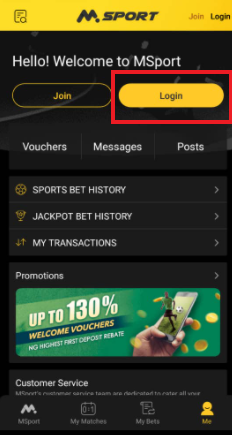
2. Scroll down to click on the "Me" icon.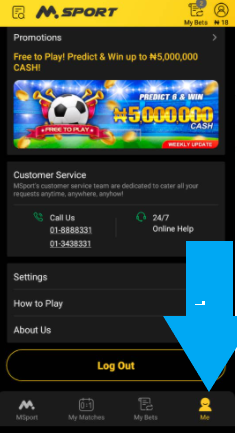
3. Select "Settings" on the next page displayed.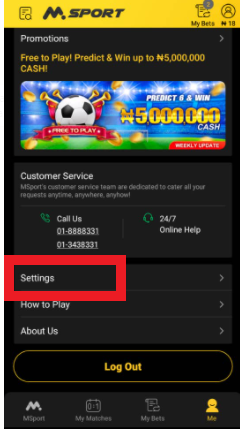
4. Click on "Account Security"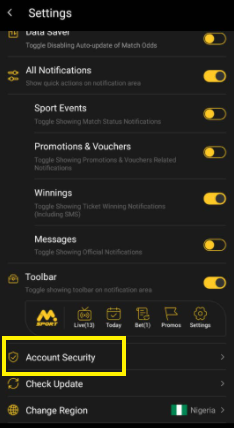
5. Scroll down to the last option on the page to click on "Security Pattern"
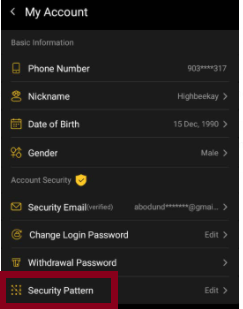
6. Click on the "Change Pattern" option.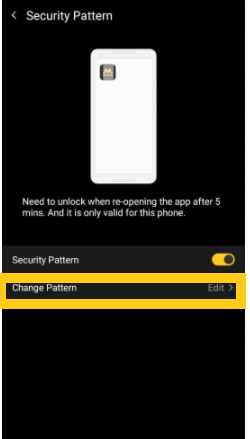
7. Draw your current login pattern as the "pattern verification page" indicates 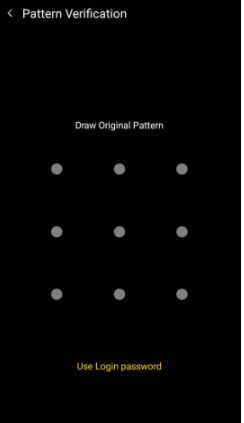
8. Draw out a new pattern 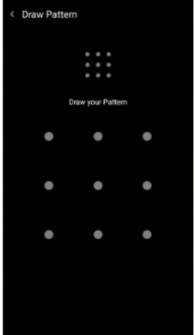
10. Confirm the pattern by drawing it again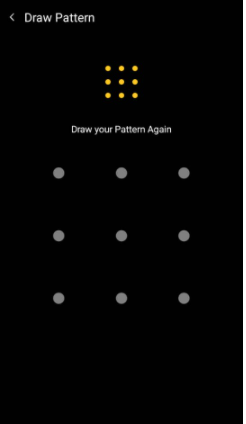
N.B Draw the most convenient and easy pattern that can be remembered conveniently
Comments
2 comments
I like it
How can I change my number
Please sign in to leave a comment.