Promotion Calendar

MSport platform will release a new feature "Promotion Calendar", to help the customer to focus on the recommended promotions of the current day.
Question 1: How does the promotion calendar page look like?
Answer: The promotion calendar page looks like the following:
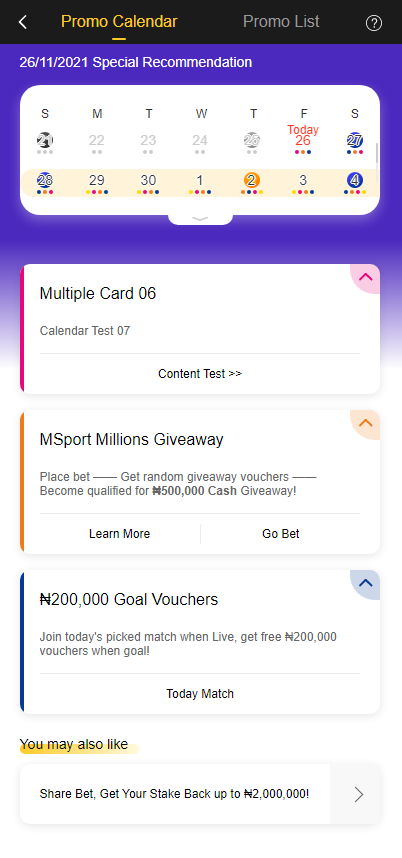
It consists of three parts. The format is just like the following:
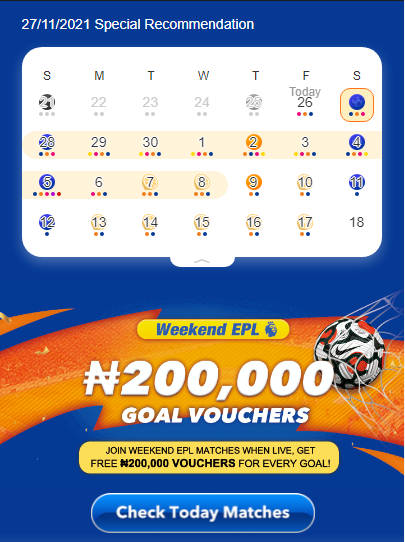
Part 1: Calendar Area. The calendar will be different but similar like the following picture shows. Let us take 27th November for example. If there is a live commentary match for the customers to grab free goal vouchers, there will be an introduction new the calendar area.
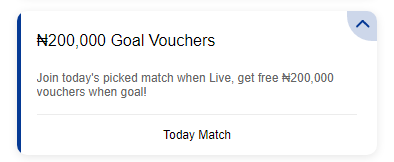
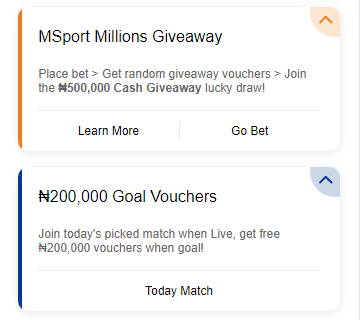
Part 2: Promotion Area. There will be a live commentary card under the calendar. It might looks like the following picture.
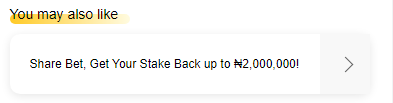
Part 3: Auxiliary Area. Some other promotions will be listed on this part, and the title is "Your may like" promotion. For example, the entry of the promotion "Share your bet, get your stake back" might be listed there.
Question 2: Where are the portals of the "Promotion Calendar"?
Answer: There are three entrance locations of the "Promotion Calendar", just as the following:
1st portal, the floating window of the home page.
The floating window of the "first deposit" portal on the left part at the bottom of home page will be replaced by the potal of "Promotion Calendar" when the customer finished the 1st deposit. For the new customers who do not finish the 1st deposit, or the unlogin customers, they will still see the "first deposit" portal on the Home page.
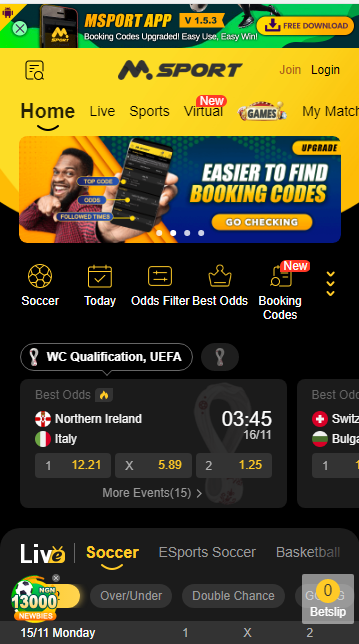
The following floating window is just an example of the "Promotion calendar" icon.
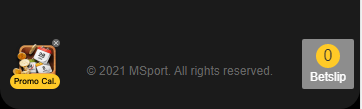
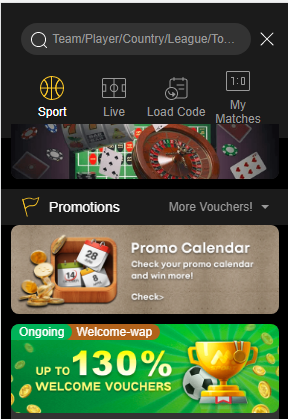
2nd portal, AZ menu.
There will be a "Promotion Calendar" card in the AZ menu.
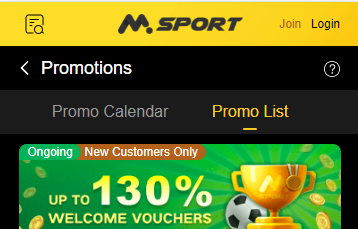
3rd portal, "Promotion Calendar" tab on the promotion page.
After the customer click the "Promotion Calendar" tab on the promotion page, they will see the "Promotion Calendar" page.
Question 3: How many promotions will be listed on the "Promotion Calendar" page's promotion area?
Answer: There will be 2 promotions. The first one is "Millions Giveaway" promotion, and the 2nd one is "Snatch ₦ 200,000 free vouchers when goal".
Question 4: How to find the recommended promotions in the calendar?
Answer: You can click each day to check the promotions of that day.
Question 5: How to check whether I get a reward from a promotion or not?
Answer: Different promotions offer different rewards. Kindly read the T&C carefully before you participate in the promotion.
If the reward is a voucher, you can also check it in your voucher center.
If you have other questions, please post it on the comment area and the answer will be updated in the body area later.
Please sign in to leave a comment.
Comments
0 comments