MSport Virtual EPL

MSport has launched the new virtual EPL games. The following is my explore path.
1st. Click "Virtuals" in the menu, to open the directory of all the virtual games, just as the red arrow shows.

2nd, the first tab "MSport Virtual EPL" is the newly updated EPL games.

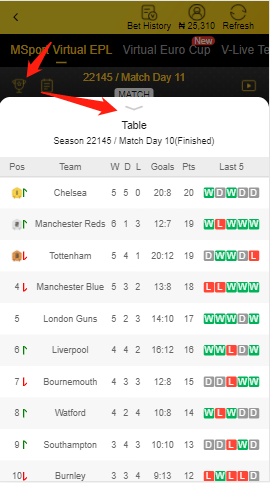
3. If the "trophy icon" is clicked, then the live table page.
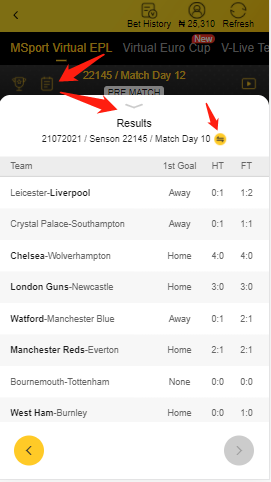
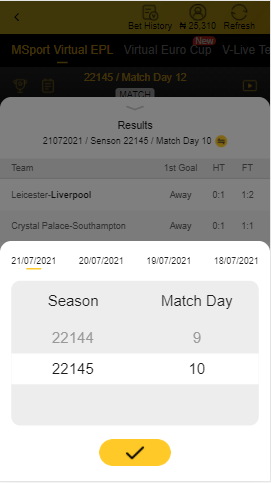
4. The following is how to check the result page.
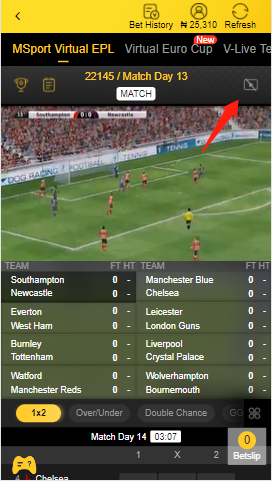
5. To save data bundle consumption, the video is closed by default. After click the video button, the match video can be opened.
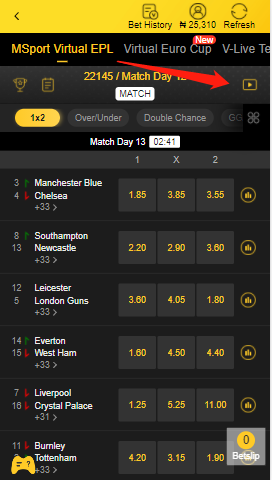
The match video can be closed too.
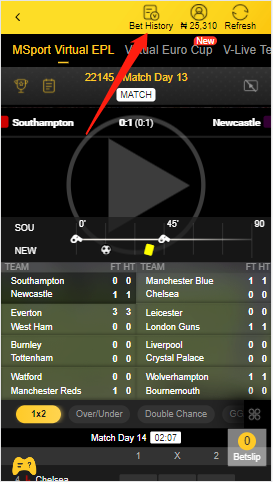
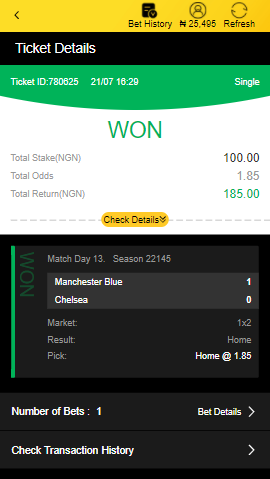
6. The place to check the bet history.
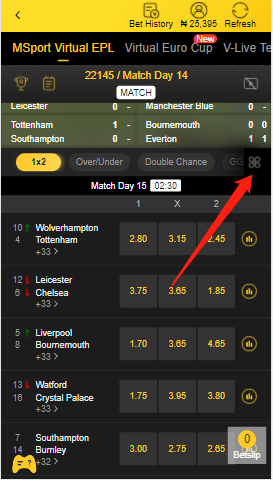
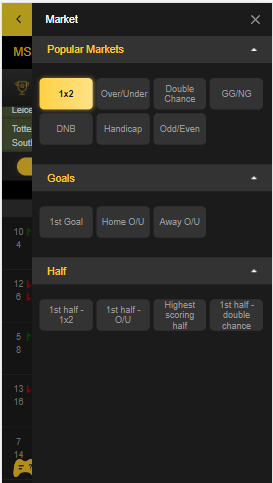
7. Market option tab. This can be used to filter the markets that you want to play.
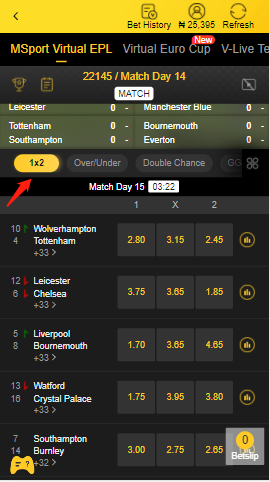
All the markets can be displayed.
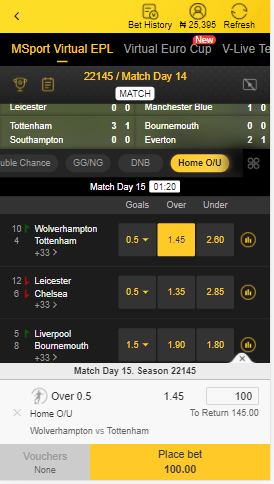
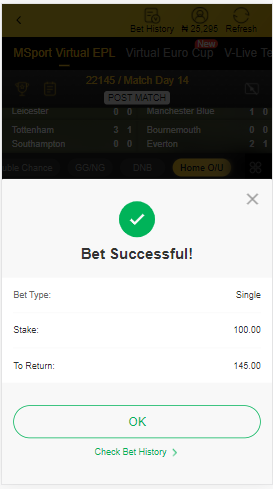
8. Place a bet.
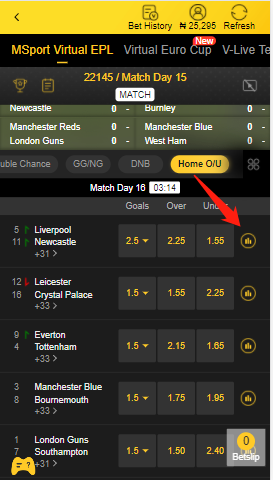
9. Check the match statistics.
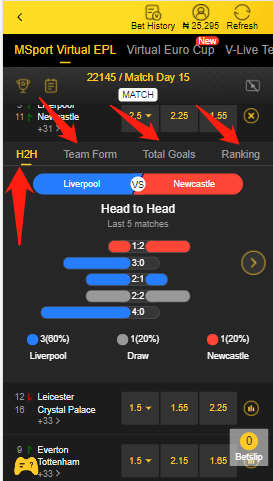
Head to Head, Team Form, Total Goals, Ranking.
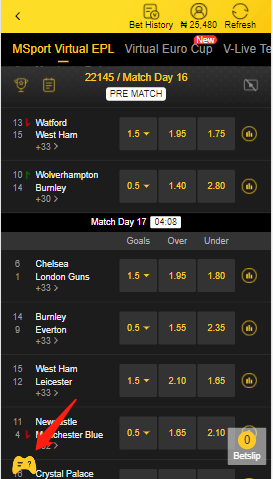
10. Click the "Game Icon" to show the "How to Play" information.
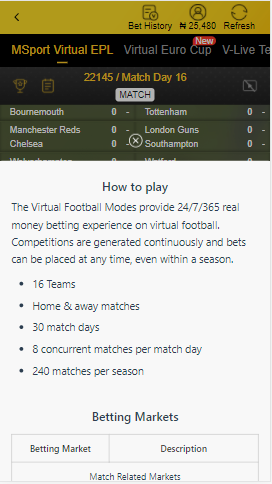
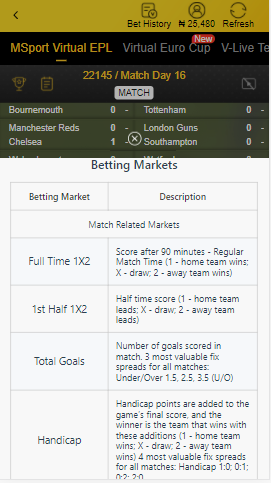
-
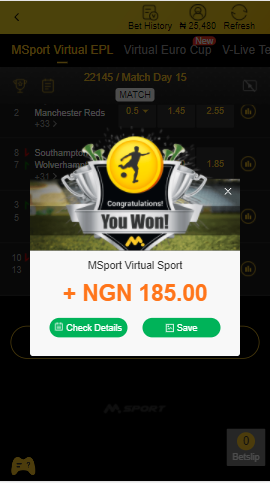
If you are lucky enough when playing the virtual football games, you can get a random voucher, just as the following shows.
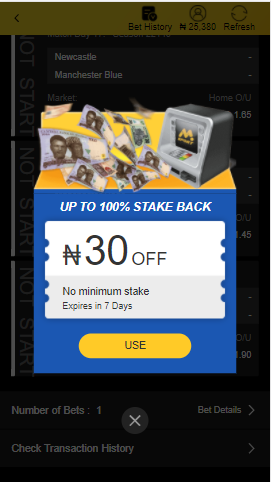
You can use the voucher when you place a bet.
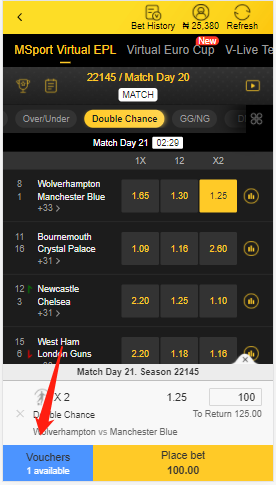
After you use the 30 voucher, the actual pay of the stake will be 70.
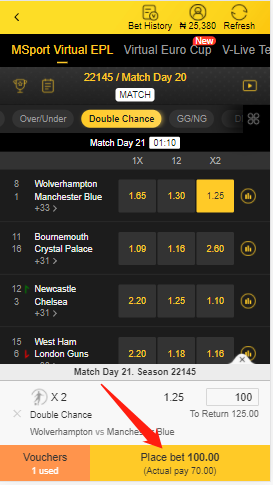
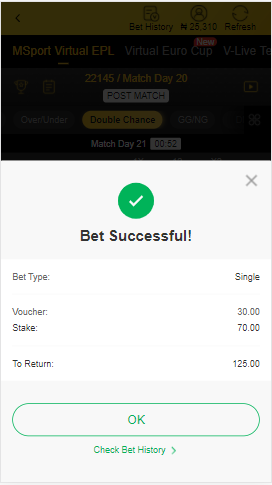
After you click "Place bet" button, you will stake the bet successfully and your real pay is 70.
 0
0
Please sign in to leave a comment.
Comments
1 comment