
Quick Teller is another payment option on the MSport platform which is the last option on the Deposit Menu. Kindly follow the steps below to use
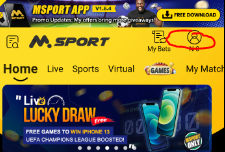
Step 1: Click on the head like Icon that shows the Msport balance
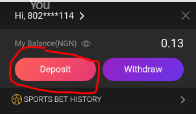
Step 2: The next step is to click on deposit on the balance page
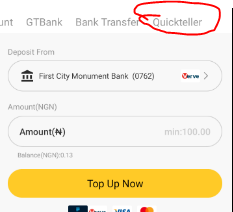
Step 3: Please click on the Quick teller option which is the last option on the deposit menu List
Step 4: You will be taken to the quick teller option page, where you can make deposits
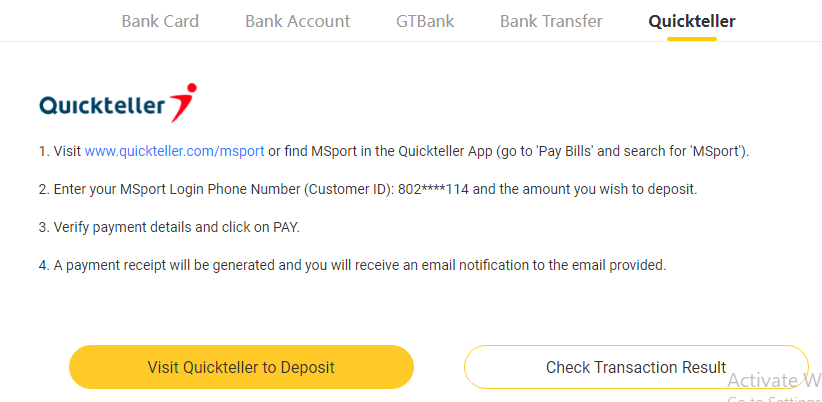
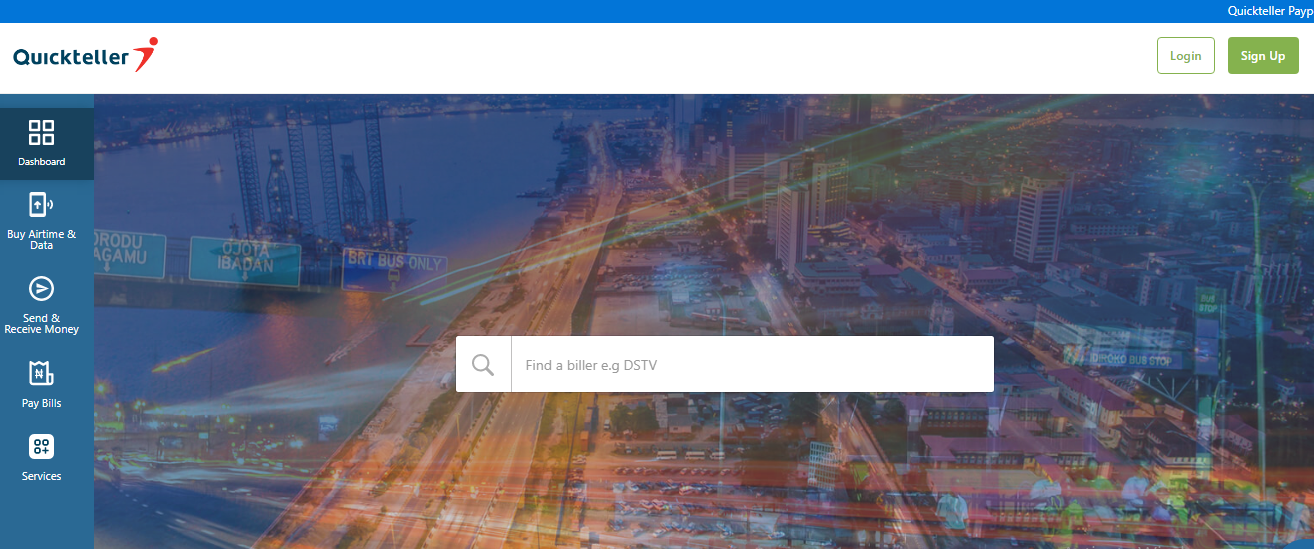
Step 5: You will land on the Quick Teller Landing Page just as seen below,
You can login and continue the transaction if you have a profile with quick teller or you
can quickly create a profile with an existing email address and then set up a password for your transactions.
Please note that you will need a valid ATM card to carry out QUICK TELLER TRANSACTIONS
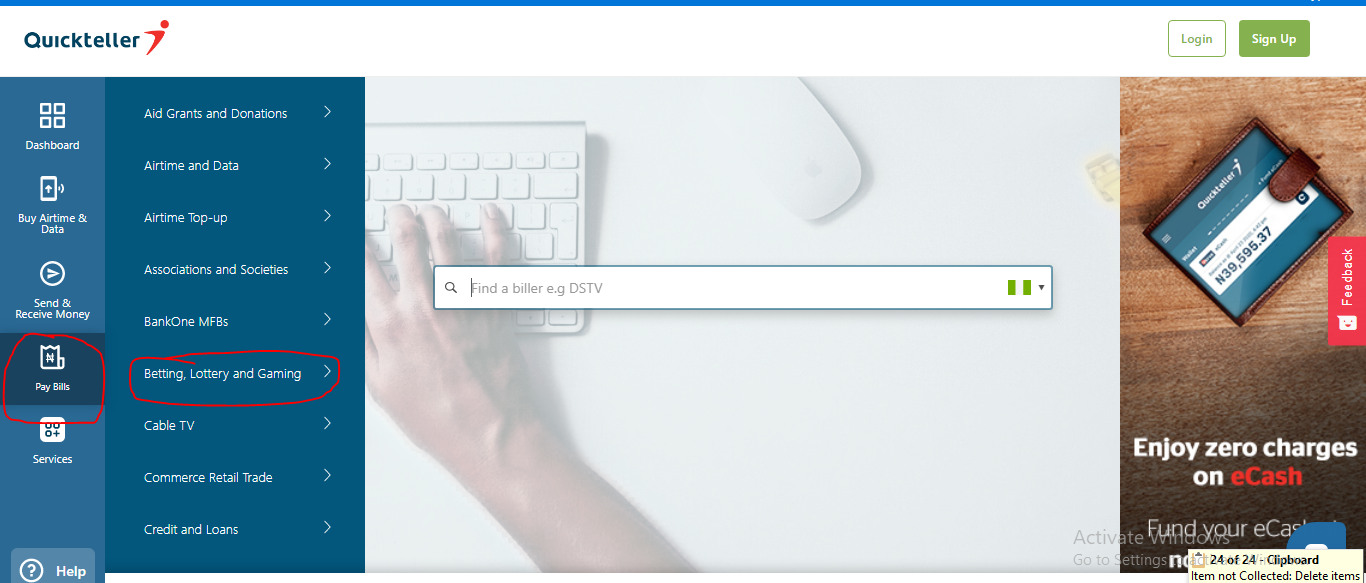
Step 6: Click on Pay Bills then you navigate to betting , lottery and gambling as seen below
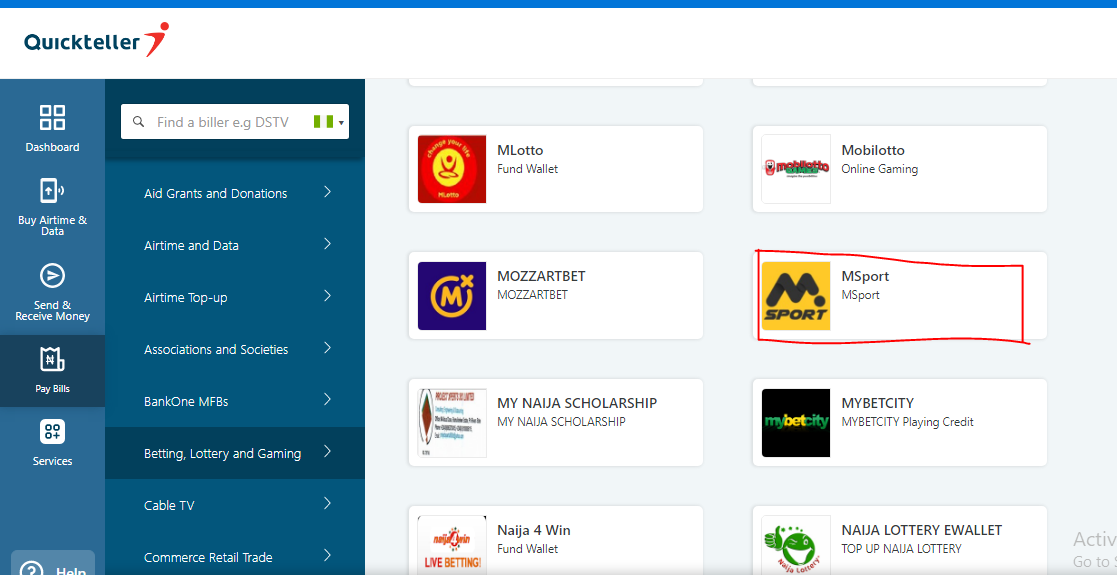
Step 7: You will have to select the biller which in this case is Msport just like below
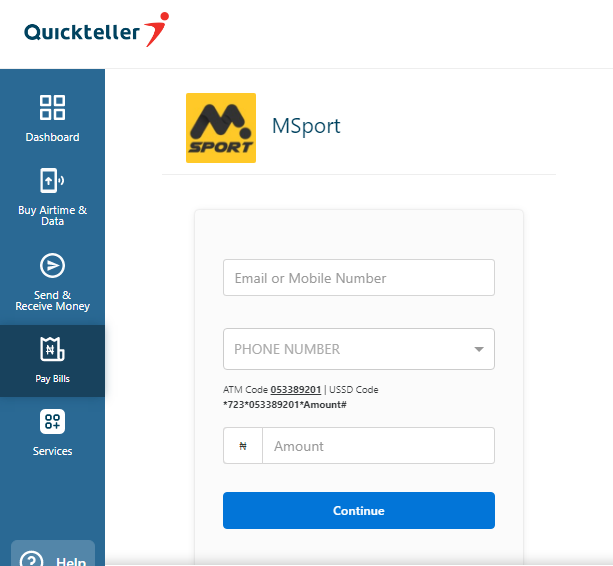
Step 8: Customer will then be taken to the Payment page whereby he will be required to enter his details
Step 9: You will have to select the payment method as seen below
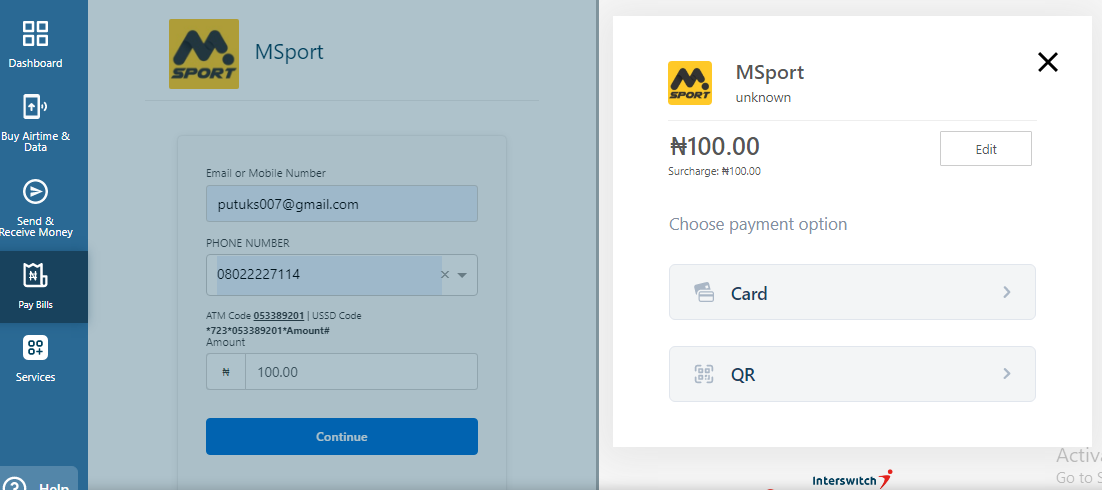
Please note that you will be required to youse your ATM card by entering details of the card number and the expiry date.
You will get an OTP verification code to authenticate the payment.
Please note that there is a Quick teller service Fee charge of N100 for the Transaction
Comments
0 comments
Please sign in to leave a comment.