
Click on the email App on your phone
Click on compose/create
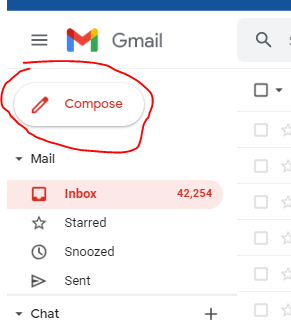
On send from, input your email address
On send to, input the email address you are sending the mail to
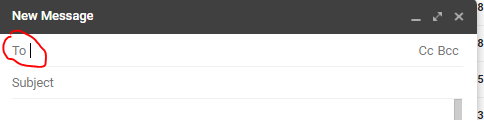
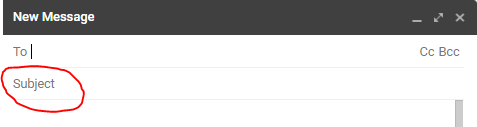
On subject, write the Title/reason why you want to send the email
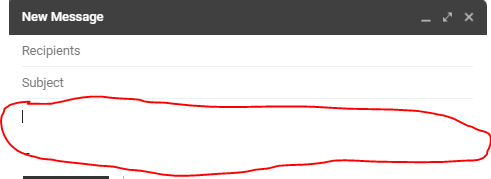
On body of the mail, write the details you are required to write
To attach picture of your Bank statement of account or ATM card, snap the bank document and save it on your phone
Click on attach, open the folder where you saved the picture and attach

Then click on send
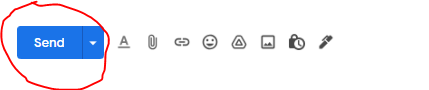
In summary, How To Send Email
Click on the email App on your phone
Click on compose/create
On send from, input your email address
On send to, input the email address you are sending the mail to
On subject, write the Title/reason why you want to send the email
On compose, write the details you are required to write
To attach picture of your Bank statement of account or ATM card, snap the bank document and save it on your phone
Click on attach, open the folder where you saved the picture and attach
Then click on send
Comments
0 comments
Please sign in to leave a comment.