1. Login into your Msport account.
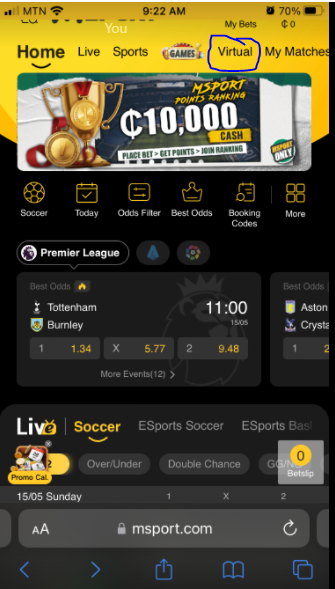
2. Click on Virtual.
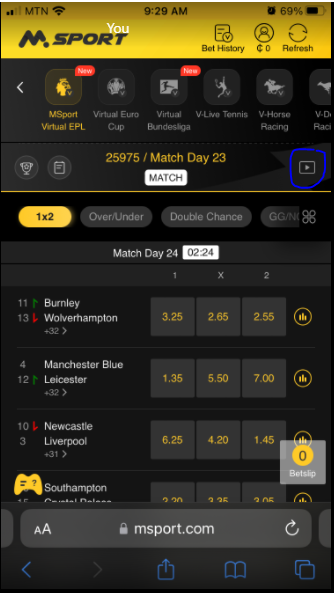
3. Click on the play icon at the right side of the page.
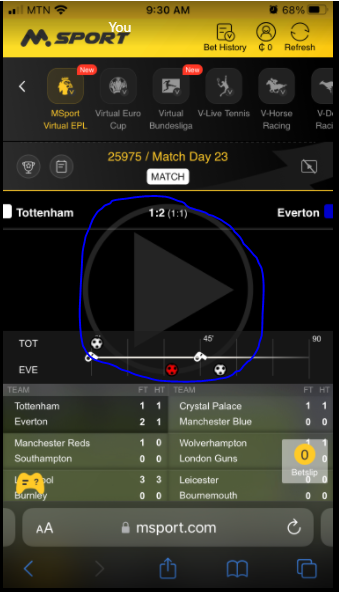
4. Select the game you want to view and click on the big play icon.

1. Login into your Msport account.
2. Click on Virtual.
3. Click on the play icon at the right side of the page.
4. Select the game you want to view and click on the big play icon.
Comments
0 comments
Please sign in to leave a comment.