
MSport customers have the option of making payments with their phone numbers using the PayAttitude payment channel.
Once the checkout form loads, the customer can select the option to pay using the PayAttitude channel. After selecting this option, all they need to do is input their phone number and authenticate the transaction with their PayAttitude app, bank app or via USSD.
Steps To PayAttitude Registration
1. USSD
To access PayAttitude Digital via USSD, simply dial *569# to register and start transacting securely with your phone number. No Data is required although service charges may apply.
2. How to link your bank account to PayAttitude
To link your bank account to the application, use the following steps:
- Open either Appstore for iOS and Playstore for Android users and Search for “PayAttitude Digital”
- Click “Install”.
- Wait for the app to download and complete installation
- Click on the “Allow” link to allow PayAttitude to access your device.
- Click “open” to access the app’s login page
- Click on “new user” to begin the registration process.
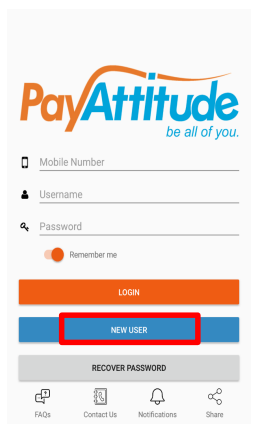
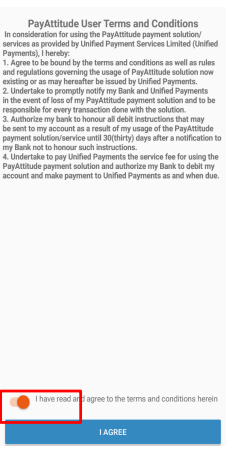
- Agree to the terms and conditions.
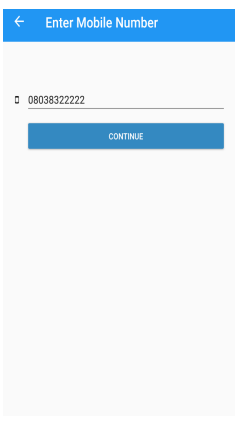
- Enter your mobile number.
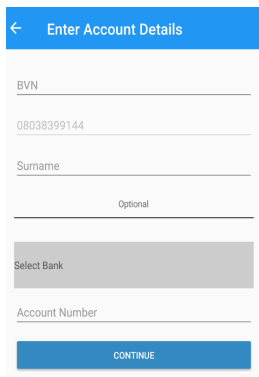
- Provide BVN, Surname, select bank, enter account number and click continue.
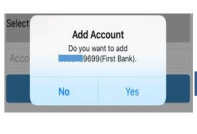
- Select "Yes" to add account.
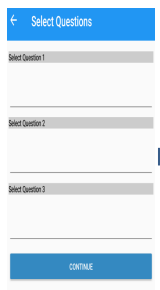
- Select 3 security questions and provide answers.
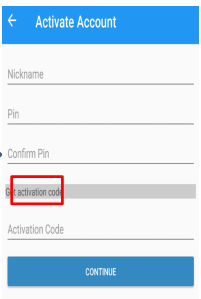
- Input your details and click "get activation code". Enter the activation code sent to the phone number and click continue to complete the process.
Steps To Initiate a Deposit With PayAttitude
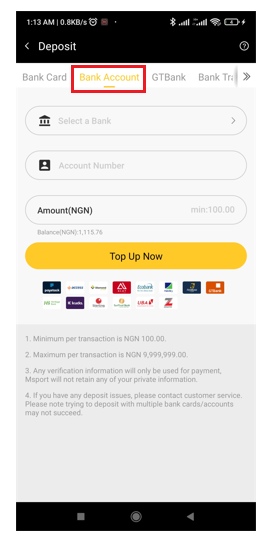
- Click on the "Bank account" deposit method and fill the required fields. You will be directed to the paystack checkout page.
- Click on "Pay with PayAttitude" on the paystack checkout page.
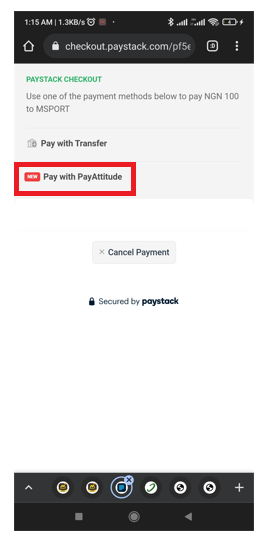
- Enter your registered phone number.
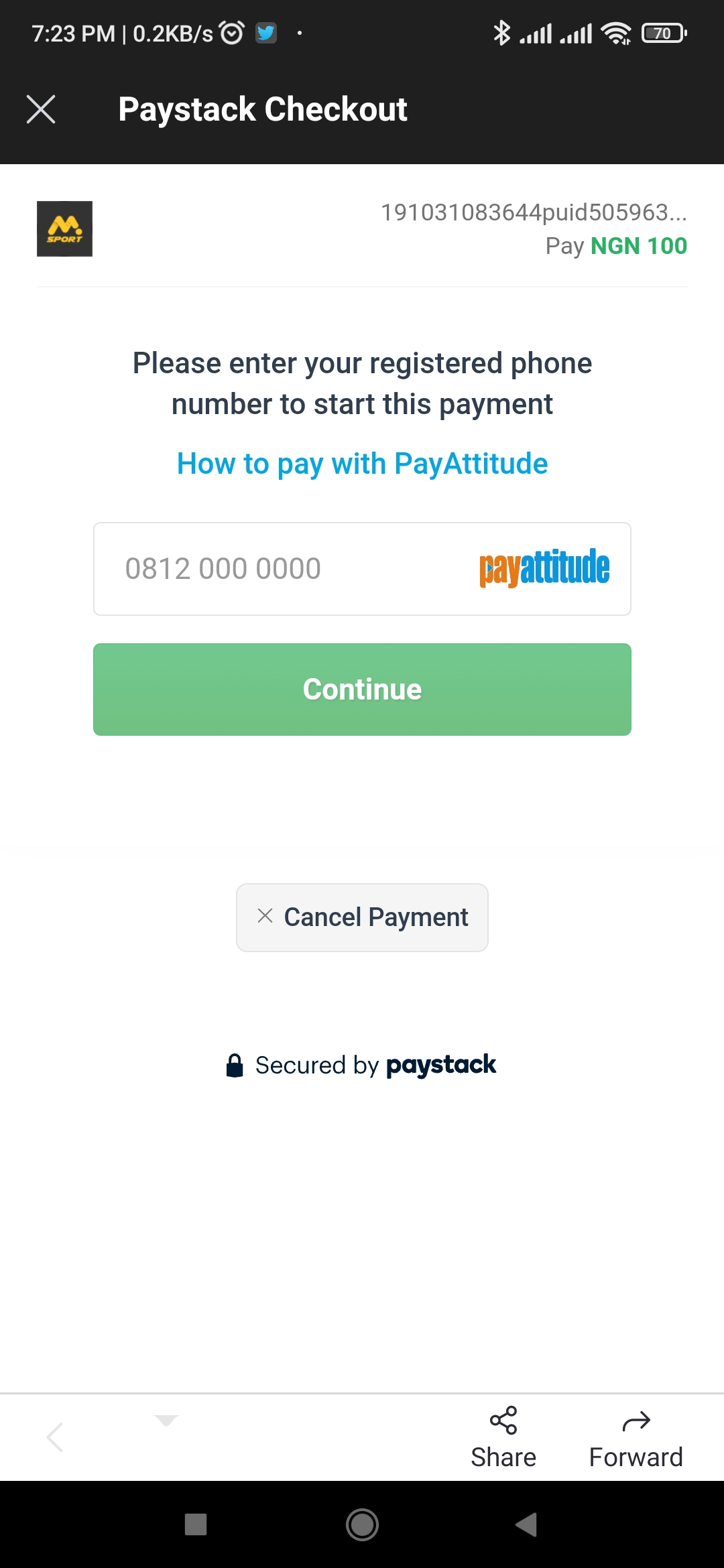
- Click on "I have authorized this payment".
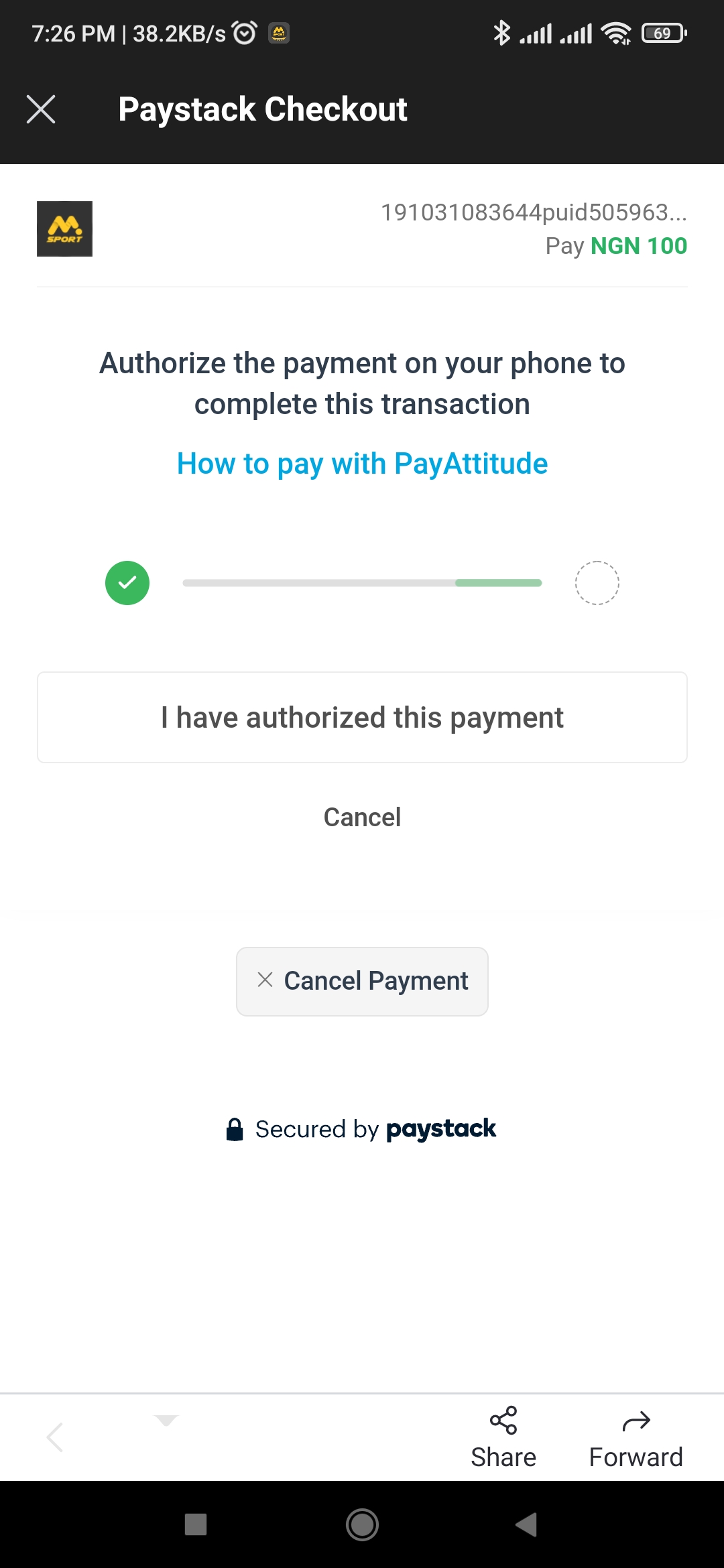
- You will receive a USSD prompt on your phone. Select from the listed banks if you use one of the supported banks to complete the payment.
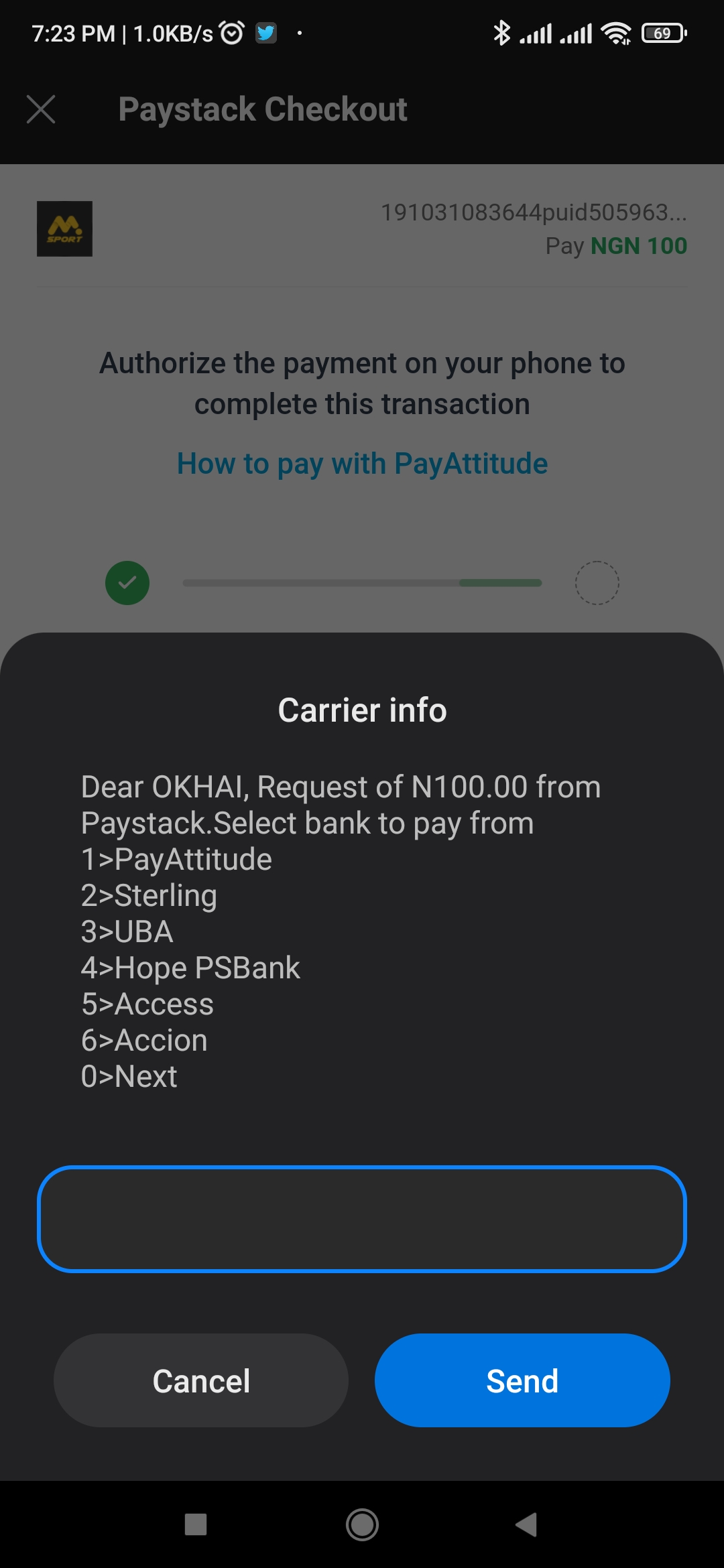
Which banks are supported?
Kindly note that the PayAttitude app only supports the registration of bank accounts, while users are unable to register their bank cards to the app.
Customers with accounts at the following banks can pay with the Pay with PayAttitude option:
- Access Bank
- Fidelity Bank
- First Bank
- Heritage Bank
- Hope PS Bank
- Sterling Bank
- Suntrust Bank
- UBA
- Zenith Bank
- EcoBank
- Accion Bank
- GTBank
- Wema
Comments
0 comments
Please sign in to leave a comment.