
To Log-out from your Msport account
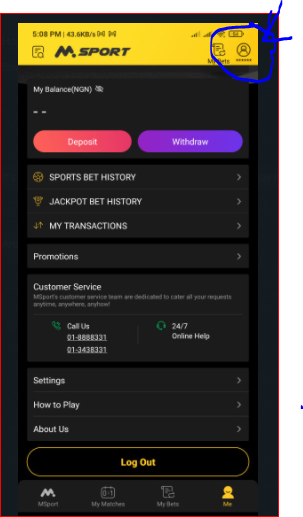
Step 1: Click on the “Me” column at the top right side of the WAP/APP page where you have your balance or "My Accounts" on the web page
For the App/Wap
For the Web
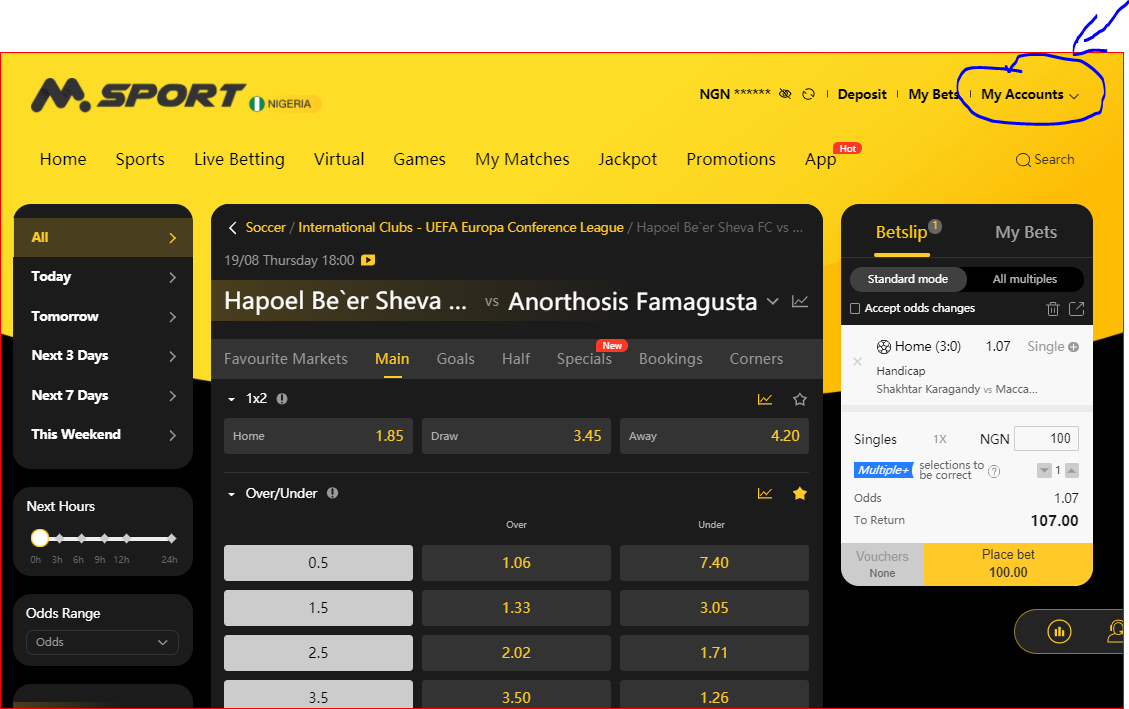
Step 2: Click "Log Out" and you will be logged out of your Msport Account
Comments
1 comment
Cool
Please sign in to leave a comment.