
If you have deleted a ticket in bet history before, you can use the following method to recover it.
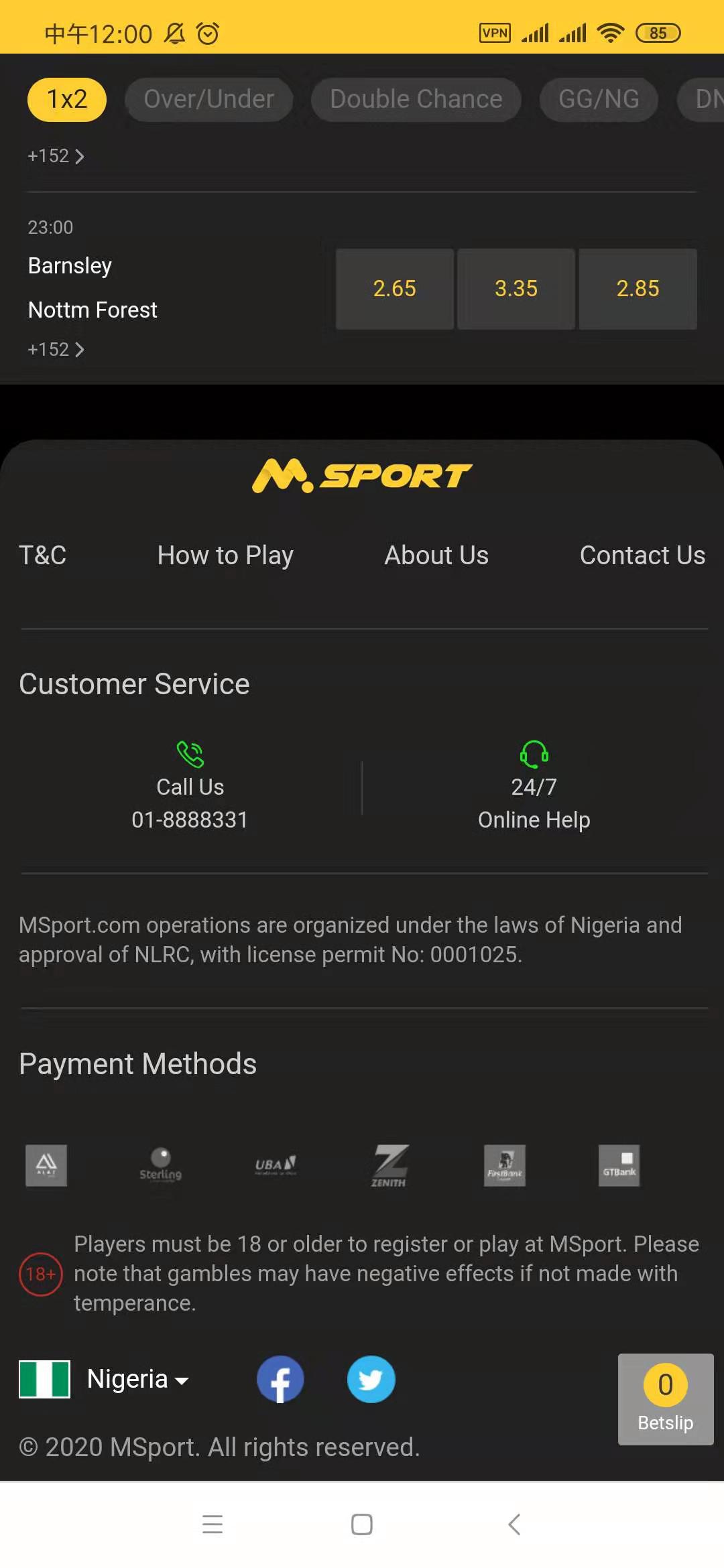
1. In the home page, please scroll down to the bottom. Then click "How to Play"
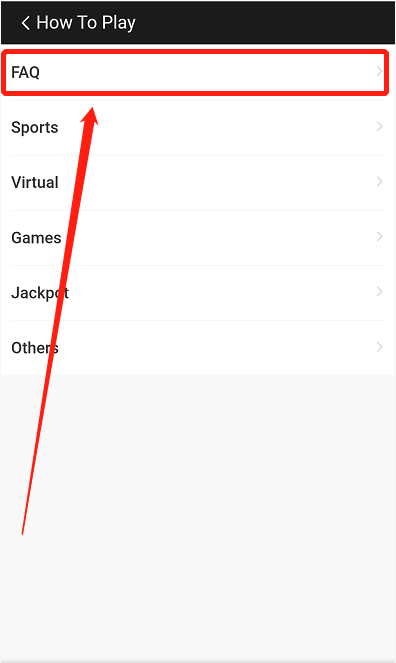
2. Click the 1st option "FAQ".
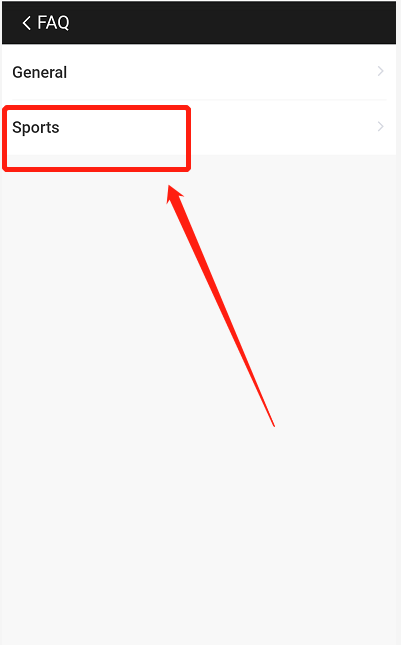
3. In the "FAQ" page, click "Sports".
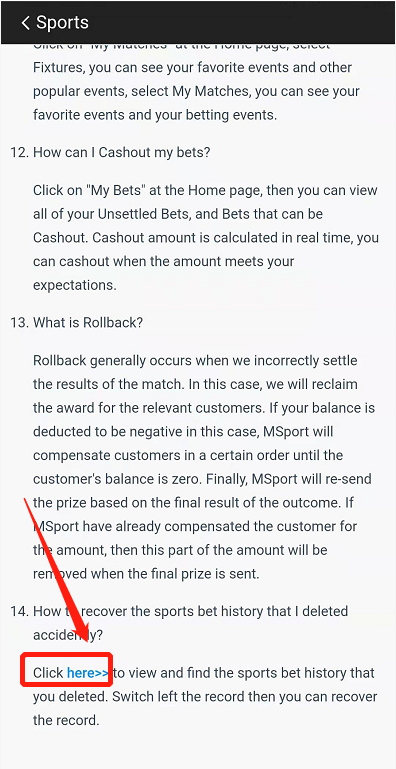
4. In the "Sports" page, go to article 14th. Click the blue word "Here" to open the deleted ticket page.
5. In the deleted ticket page, find the ticket that you want to recover.
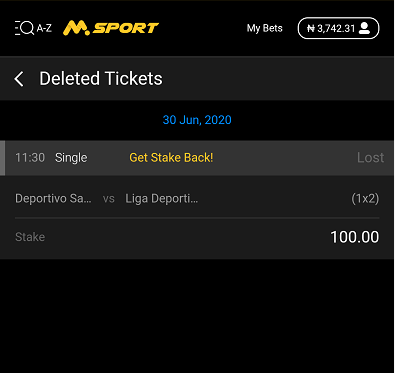
6. Switch the item to the left, and you will see the recover button.
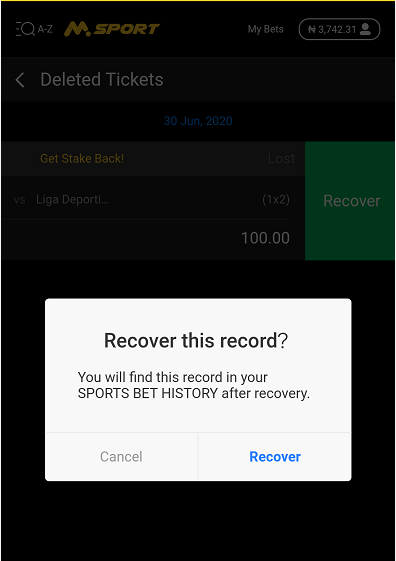
After you click "Recover", the deleted ticket will return back to your bet history.
Comments
0 comments
Please sign in to leave a comment.