
MSport users find it difficult to load a booking code generated from a different region platform.
Kindly follow the steps below to load a booking code from a different region.
1.) A booking code generated from a particular region's platform, should be loaded first on that region's platform. i.e. a booking code generated on the Nigerian platform (msport.com/ng) should be loaded 1st here.
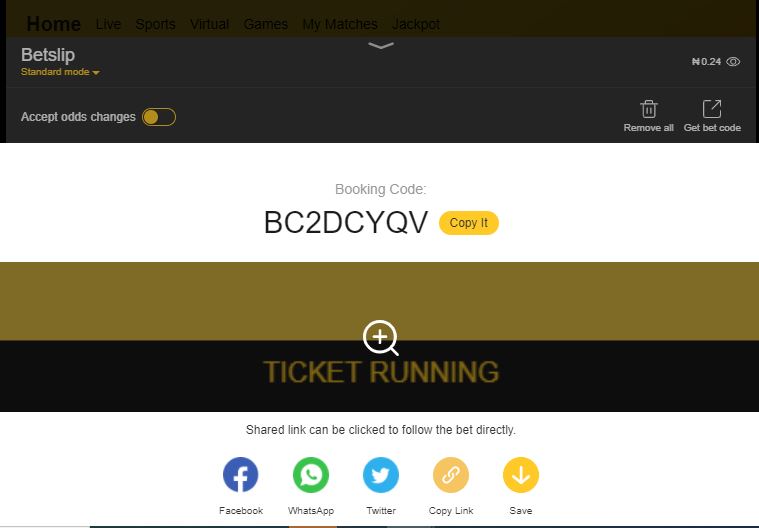
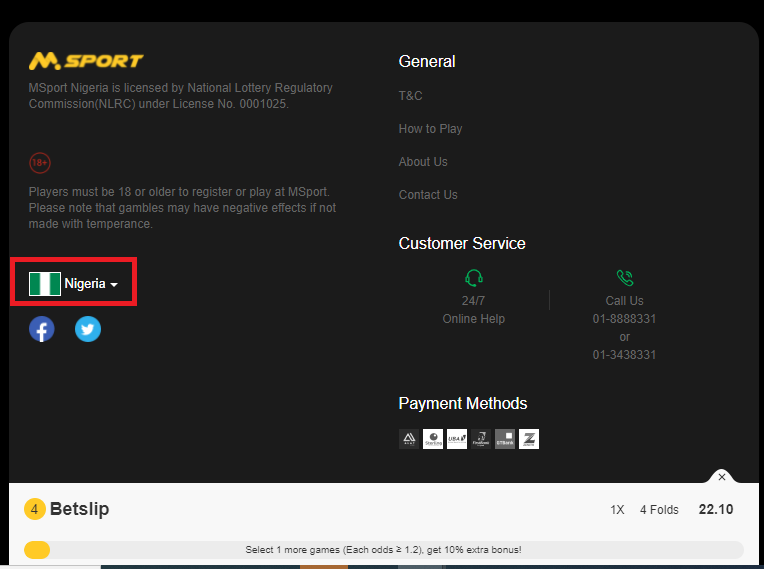
2.) Scroll to the bottom of the Homepage on the website, and click on the region's flag
On the MSport App, click on the ME icon, Click On settings, Click on Change region.
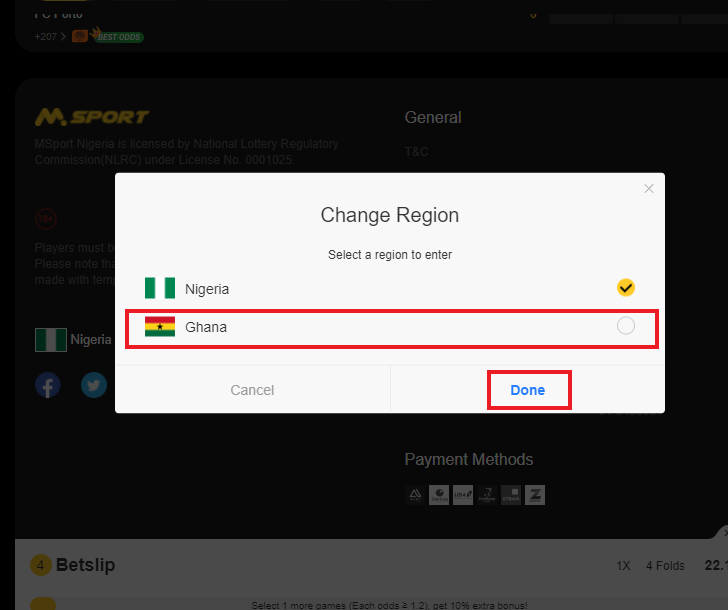
3.) Select your preferred region. (NG or GH)
4.) The booking code is successfully loaded.
5.) Kindly place your bet.
Comments
0 comments
Please sign in to leave a comment.